Command centre
See the whole van on one screen, and let it look after itself.
What it does
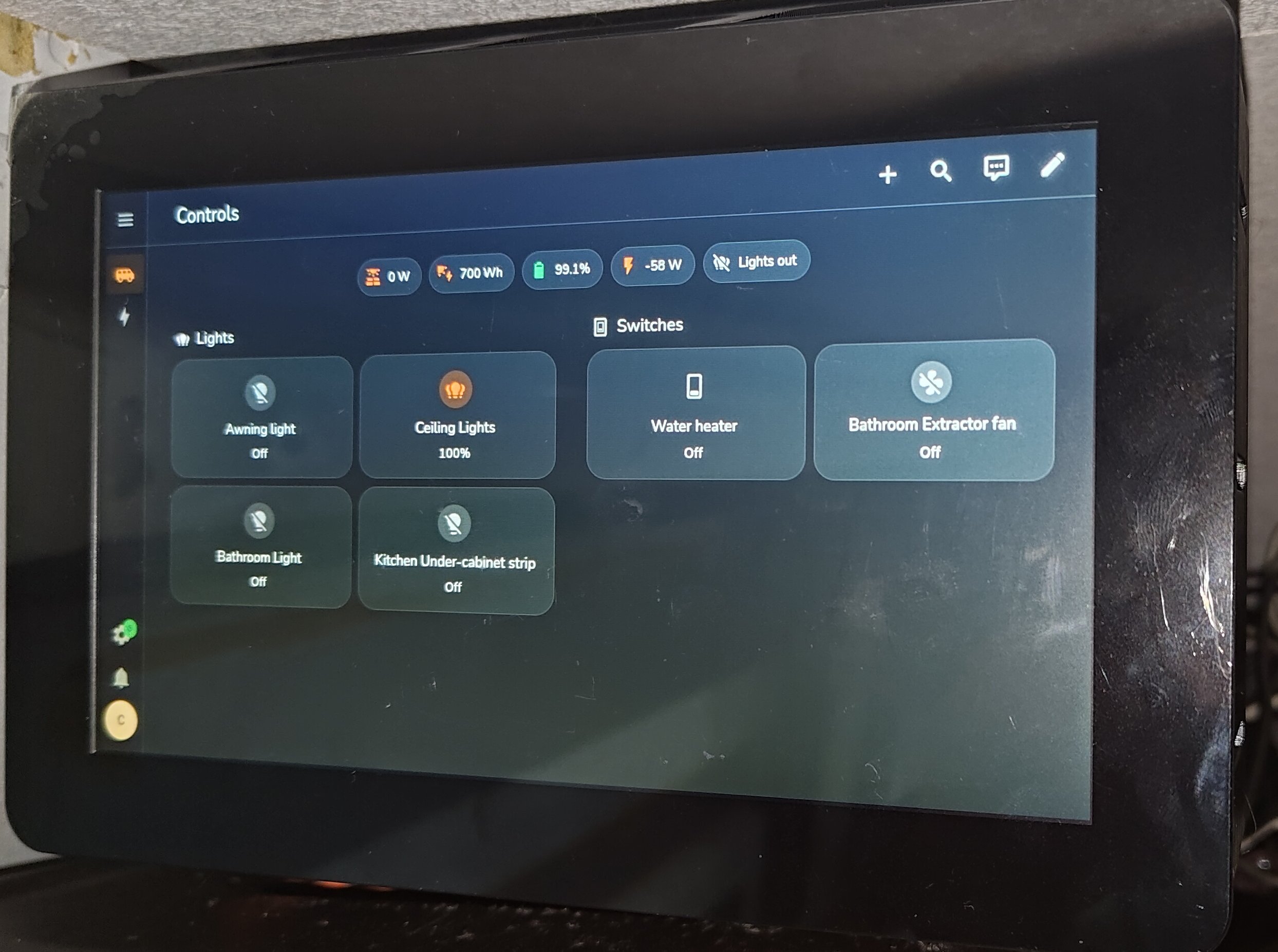
The command centre is a 7" touchscreen running Home Assistant. Every node reports back to it, so one glance tells you how full the tanks are, the temperature inside, which lights are on and whether the heater and pump are running. Tap to change any of it.
There is no pairing. Connect a node to the cable and the command centre finds it on its own, and its controls appear on the screen ready to use. It also keeps a history, so you can see how the temperature changed overnight or how fast the fresh tank is going down.
Automations tie the nodes together. One button by the bed can dim the lights and stop the extractor fan, or the lights and pump can switch off when you start the engine. With a Home Assistant Cloud subscription you can check and control the van from your phone anywhere, and Alexa and Google work too. Over Bluetooth it talks to other kit, such as Victron.
The command centre is optional. The nodes carry on without it, and the switches still work like ordinary switches. It is where the system comes together, though.